Showing posts with label CSharp. Show all posts

csharp dotnet break keyword example

C# .net Program Break Keyword Example

  • This C# .net Program is about use Break Keyword.
  • Break Keyword is used to break the flow of program and throw the control outside the loop or conditional statement.
  • Break keyword will bring the control out of current loop in which it is written not out of all the loops.
  • Break Keyword in c# can be used with
  • For Loop
  • Swith Case
  • While Loop
  • Do While Loop
  • If Condition
  • If Else Condition

C# Program Logic:

  • In below c# program we have used while loop to show use of break keyword
  • The initial condition of while loop is set to true
  • The integer variable num is initially set to zero and incremented by 1 inside the while loop
  • Inside the while loop we have used if condition to check when the break statement should be executed.
  • In this program when the num variable is equals to 5 then the break statement is executed and controls comes out of while loop

Break Keyword C# Program

using System;
using System.Collections.Generic;
using System.Linq;
using System.Text;

namespace BreakProgram
{
    class Program
    {
        static void Main()
        {
            int num = 0;
            while (true)
            {
                //Increment the number by 1
                num++;
                Console.WriteLine(num);
                //if num is 5 , break the loop
                if (num == 5)
                {
                    Console.WriteLine("Break Statement Executed.");
                    break;
                }
            }
            Console.WriteLine("Program End.");
            Console.ReadLine();
        }

    }
}

Output of Break Program

1
2
3
4
5
Break Statement Executed.
Program End.

c# program convert array list to array example

C# Program to convert ArrayList to Array Example

  • This csharp program is about how to convert array list to array
  • In this c# Program first we have created ArrayList Object and named it as arrayList
  • In order to use ArrayList in our program we have to import System.Collections namespace.
  • After creating arrayList we have added items to the arrayList Object using arrayList.Add() method.
  • To store arrayList items to an array we have created an string array object.
  • Finally using  arrayList.ToArray(typeof(string)) as string[]; we have converted Arraylist to an array.
  • Following is the program to convert ArrayList to Array
using System;
using System.Collections.Generic;
using System.Linq;
using System.Text;
using System.Collections;

namespace ArrayListToArrayProgram
{
    class Program
    {
        static void Main(string[] args)
        {
            ArrayList arrayList = new ArrayList();
            arrayList.Add("AAAAAAAA");
            arrayList.Add("BBBBBBBB");
            arrayList.Add("CCCCCCCC");
            arrayList.Add("DDDDDDDD");

            string[] array = arrayList.ToArray(typeof(string)) as string[];

            Console.WriteLine("Contents of Array are:");
            foreach (var item in array)
            {
                Console.WriteLine(item);
            }
        }
    }
}


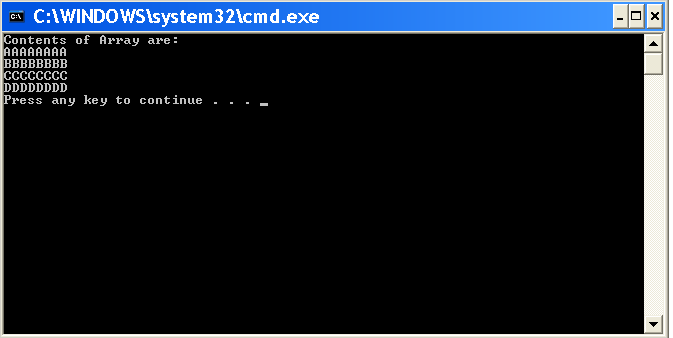
Output of Arraylist to array program.

Contents of Array are:
AAAAAAAA
BBBBBBBB
CCCCCCCC
DDDDDDDD
Press any key to continue 


csharp program to find n prime numbers in c# dotnet

Prime number program in csharp: c# program for prime number

  • The following code code prints prime numbers using csharp .net programming language. 
  • Logic for Primer Number is shown below in the code snippet with output: 
  • A number is prime if it is divisible only by one and itself. 
  • Number two is the only even and also the smallest prime number. 
  • Some example prime numbers are 2, 3, 5, 7, 11, 13, 17....etc. 
  • Every student learning programming in csharp .net will definately have to write the basic program to find prime numbers as it helps to develop the logical mind needed for programming
  • The following program will ask you to enter a number 
  • After taking the input number it will display the number of prime numbers
  • if you enter 10 the program will show the first 10 prime numbers
Prime Number Code:
 
 using System;

 namespace primerNumber
{
    class Program
    {
        static void Main(string[] args)
        {
            int num, i = 3, count, c;

            Console.WriteLine("Enter the number of prime numbers you want");
            num =Convert.ToInt32( Console.ReadLine());

            if (num >= 1)
            {
               
                Console.WriteLine("First "+num+" Prime Numbers are :\n");
                Console.WriteLine("2");
            }

            for (count = 2; count <= num; )
            {
                for (c = 2; c <= i - 1; c++)
                {
                    if (i % c == 0)
                        break;
                }
                if (c == i)
                {
                    Console.WriteLine("\n"+i);
                    count++;
                }
                i++;
            }
        }
    }
}


After writing this program hit F5 or cltr+F5 .
you will see a black window .program running 
Output:- 
Enter the number of prime numbers you want
5
First 5 Prime Numbers are:
2 
3
5
7
11
Live Demo:

C# Program to Reverse a string in csharp.net

C# Program to Reverse a string in csharp.net 

  • Start Visual Studio  and select File -- New project  
  • From the project dialog, select the Console application 
  • In the Console Application in Program.cs  File write the below program to reverse a string in (c#)csharp .net 
  • In this reverse string program in csharp we are taking a string as user input
  • After taking the user input string we are looping using for loop for string.length times and appending the reverse string to a string variable and finally we are displaying the output 
  • you can refer below program for code and with live demo and output

 using System;

 namespace ReverseSample
 {
            class StringReverse
            {
                public static void Main()
                {

                    string Str, Revstr = ""; 
                    Console.Write("Enter A String : ");
                    Str = Console.ReadLine();

                    for (int i = Str.Length - 1; i >= 0; i--)
                    {

                        Revstr = Revstr + Str[i];
                    }

                    Console.WriteLine("Reverse  String  Is  {0}", Revstr);
                    Console.ReadLine();
                }
           }
   }
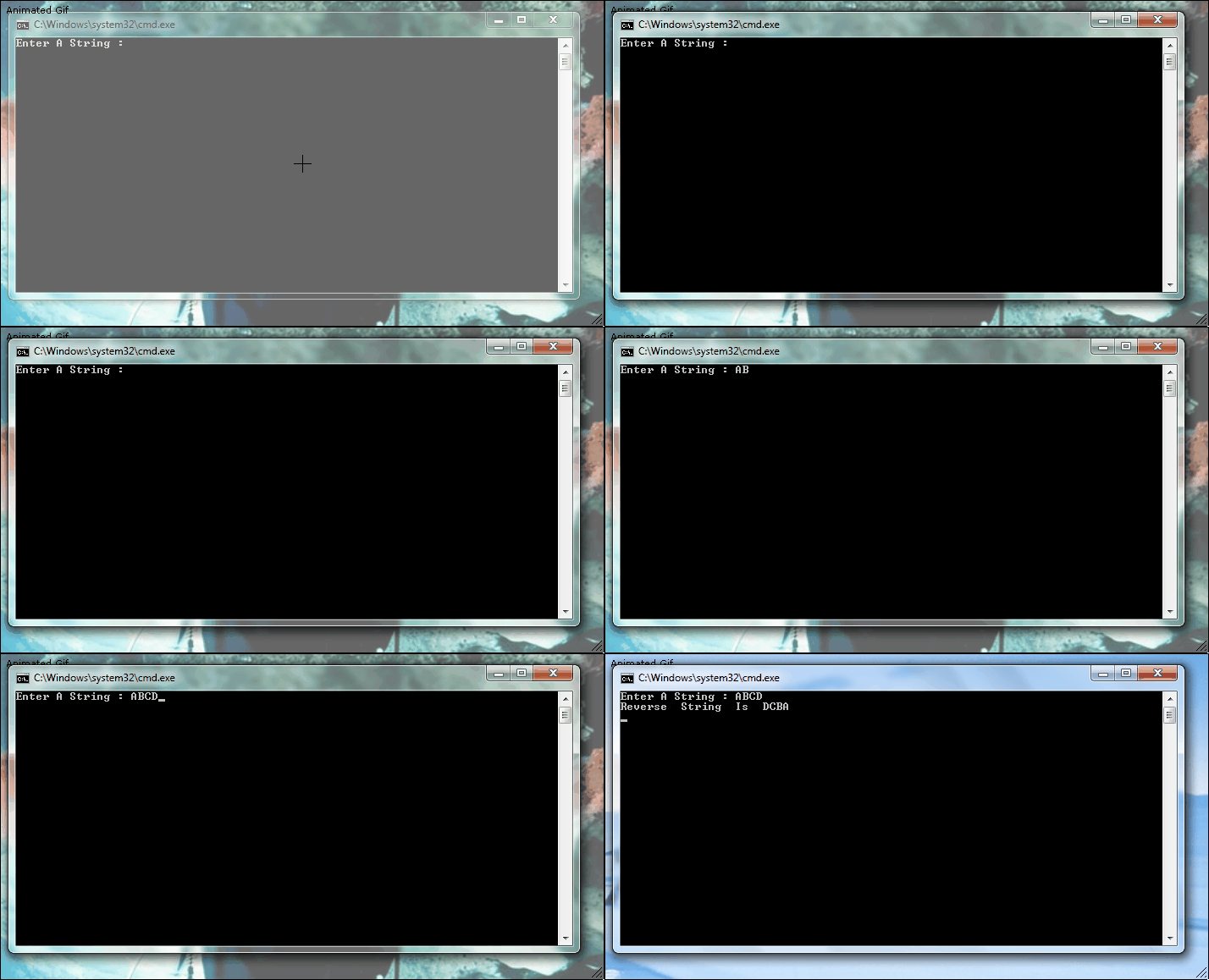
After writing this program hit F5 .you will see a black window .program running 

Output:- 

Enter A String : ABC 
Reverse String Is: CBA
Live Demo